How to Implement Structured Data for FAQs and How-Tos Without Breaking Your Existing Schema
Google retired FAQ rich results on May 7, 2026, removing the expandable accordion from search listings. FAQPage schema still functions for Bing, Perplexity, and AI extraction. HowTo structured data retains full Google rich result eligibility.
How to Implement Structured Data for FAQs and How-Tos Without Breaking Your Existing Schema
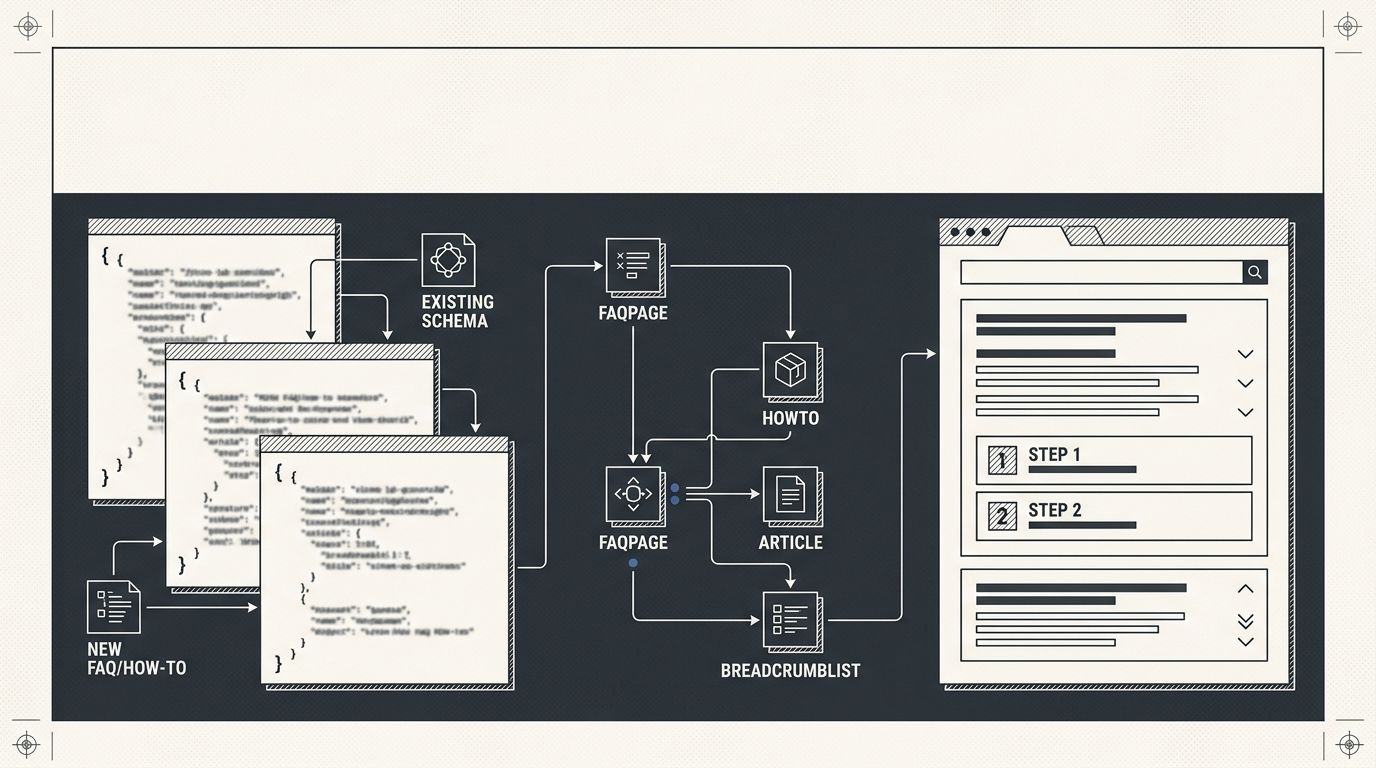
Google retired FAQ rich results on May 7, 2026, removing the expandable accordion from search listings. FAQPage schema still functions for Bing, Perplexity, and AI extraction. HowTo structured data retains full Google rich result eligibility. Adding either type to pages carrying existing markup demands careful JSON-LD layering to avoid conflicts that silently suppress everything.
Six rules govern safe FAQ schema implementation and HowTo structured data deployment on pages that already carry Product, Article, LocalBusiness, or Organization markup. Breaking any one of them risks creating schema markup conflicts that kill rich result eligibility for your entire page, including the types that worked fine before you touched anything.
Audit every existing schema block before you touch a single line
Why does adding schema break things? Because most sites already carry 3-6 structured data declarations they've forgotten about. Your CMS injects one. Your SEO plugin adds another. A review widget contributes a third. A theme includes BreadcrumbList. Each of these is a live JSON-LD or Microdata block, and each one is a potential collision point for any new FAQPage or HowTo markup you introduce.
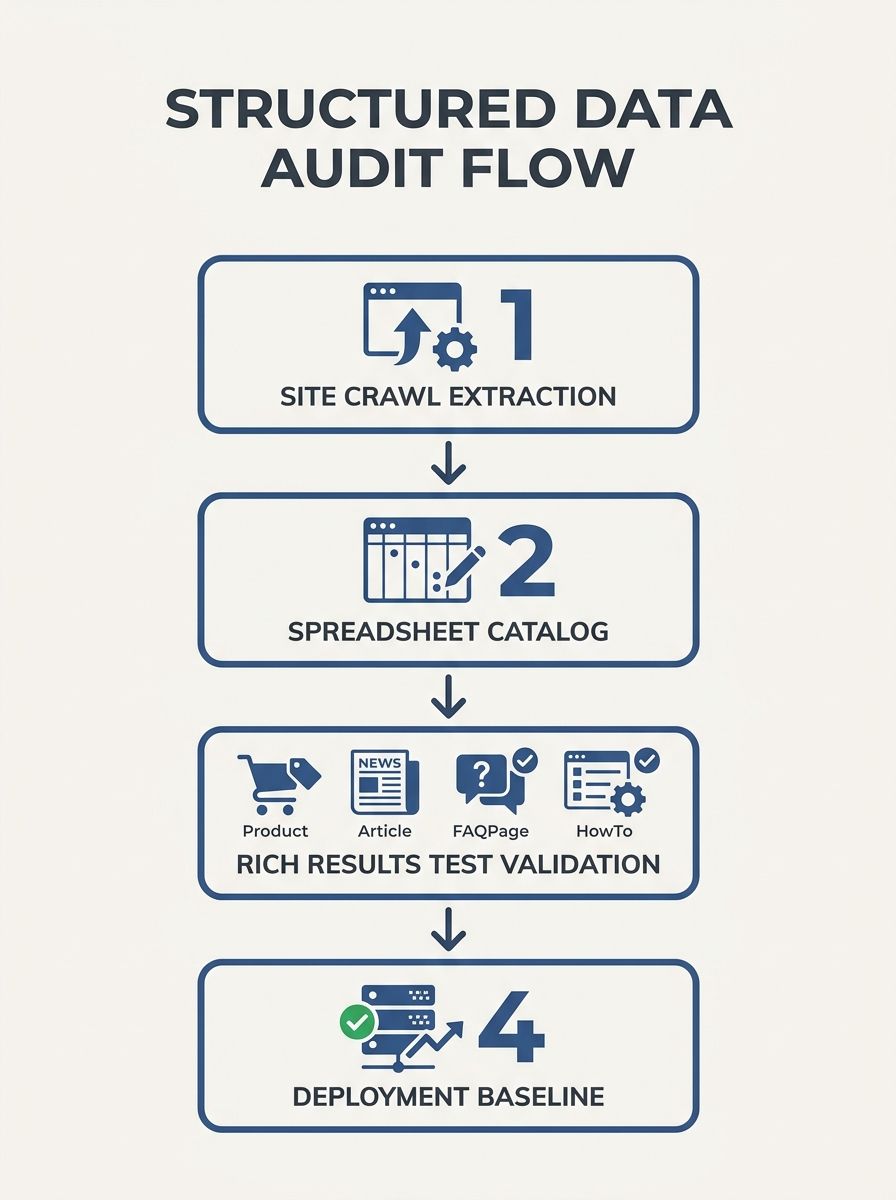
Before any FAQ schema implementation or HowTo structured data addition, pull up every target page in Google's Rich Results Test. Google's Search Central documentation states: "You must include the required properties for your content to be eligible for display as a rich result. You can also include the recommended properties to add more information to your structured data, which could provide a better user experience." The test parses all structured data on the page and flags errors, warnings, and rich result eligibility status for each detected type.
Run your crawl tool across the full site to catalog schema types by URL. If you've compared technical SEO crawlers for audit workflows, you know both major desktop crawlers can extract structured data during site-wide scans. Export the results into a spreadsheet: URL, existing schema types, validation status. That spreadsheet becomes your pre-deployment baseline and your rollback reference if anything breaks.
Keep each schema type in its own JSON-LD block
The cleanest pattern for JSON-LD layering is one script element per schema type. Your Article schema goes in block 1. Your FAQPage schema goes in block 2. Your HowTo structured data goes in block 3. Google confirms that multiple JSON-LD blocks on a single page are valid and processed independently.
Webrex SEO's schema debugging documentation puts the fix plainly: "Use one schema type or clearly distinguish between the entities." When you try to nest FAQPage inside an Article block without proper relationship properties, parsers misread which fields belong to which type. A misattributed "name" property on the wrong entity throws a validation error that cascades through the entire page's structured data.
In practice, the separation looks like this on a typical product page:
Block 1: existing Organization or LocalBusiness schema (sitewide, injected by your theme)
Block 2: Product schema with Offer and AggregateRating (page-specific, from your SEO plugin)
Block 3: new FAQPage schema with 5-8 Question/Answer pairs
Block 4: new HowTo schema with ordered steps, if applicable
Each block carries its own @context declaration pointing to schema.org. Each has its own @type. No block references properties from another block unless you're deliberately creating a relationship using @id. This separation eliminates the vast majority of accidental conflicts that come from JSON-LD layering on established pages, because there's no ambiguity about which properties belong where.
Never duplicate entity declarations across blocks
This rule catches the mistake that breaks schema on sites attempting multi-type markup more than any other. If your Organization schema already declares your business name, address, and logo, your FAQPage block must not redeclare those same properties. Duplicate entity data creates ambiguity for parsers. Google's algorithms see two competing Organization declarations and can discard both.
The SALT.agency structured data guide emphasizes this incremental approach: "Start with basic schemas, validate carefully, and then scale across your site." That advice applies directly to maintaining entity consistency across your site, where each entity (your organization, your product, your article, your FAQ) should be declared exactly once.
When you need to connect schema blocks, use the @id property. Your Product block declares an @id like "https://yoursite.com/product-page#product". Your FAQPage block can reference that @id in a "mainEntity" or "about" relationship without redeclaring the product's properties. This is the correct way to create compound signals for crawlers: one declaration per entity, linked by @id references across blocks. Zero redundancy, zero ambiguity.

Match every structured data field to visible on-page text
Google's structured data policies have been explicit since 2019: every claim in your schema must correspond to content the user can see on the page. The Entail AI debugging guide recommends that you "align schema with page content" as a core fix for validation failures. This applies with particular force to FAQ schema implementation, where the temptation is to add marketing-oriented questions that don't appear anywhere in the page body.
For FAQPage markup, the question text in your "name" field and the answer text in your "acceptedAnswer" field must match what the user sees. Character-for-character precision is the standard. Keep answers under 100 words per question, with 40-60 words being the range that performs best for AI extraction by engines like Perplexity and ChatGPT. Limit each page to 5-8 question/answer pairs. Going beyond 8 risks what auditors call the "article disguised as FAQ" problem, where Google treats the markup as an attempt to game rich results rather than a genuine content signal.
For HowTo structured data, each "step" must correspond to a visible numbered or ordered section on the page. If your HowTo schema lists 7 steps but the page only shows 5 as visible content, you've created a mismatch that undermines rich result eligibility for the entire block. The same rule applies to images, tools, and supply lists declared in HowTo markup. If you reference an image URL in the schema, that image needs to be rendered on the page. If you reference a tool, name it in the visible instructions.
Validate after every single change, not in batches
The most common debugging failure in structured data work is batching changes. Someone adds FAQPage schema to 30 URLs, then runs validation. They find 14 errors across those pages. Now they're debugging across 14 different URLs with no baseline comparison and no way to isolate which change caused which error.
Instead, change one page. Validate immediately. Google's Rich Results Test reports 3 categories: critical errors (which prevent any rich result display), warnings (which reduce quality but don't block display), and clean passes. A single missing comma in JSON-LD breaks the entire script block. A single misspelled property name creates a silent failure where the parser ignores the field without any error flag. Agency Dashboard's rich results documentation notes that the status message "Your page is eligible, but adding optional properties could improve its appearance" means required fields pass and you have room to strengthen the markup with recommended properties like dateCreated, author, or image.
If you apply a systematic debugging framework to SEO issues, the same discipline works here. After you confirm a clean pass on the first page, save that page's JSON-LD as your deployment template. Reuse the exact structure, swapping only the content-specific fields (questions, answers, step text, step images). This approach catches schema markup conflicts at the individual page level before they propagate to the rest of your site.
Remove schema types you're no longer actively using
Google states explicitly that unused structured data causes no penalties. But leftover schema creates noise that makes auditing harder, increases the probability of accidental conflicts when you add new types, and confuses anyone who inherits the codebase later.
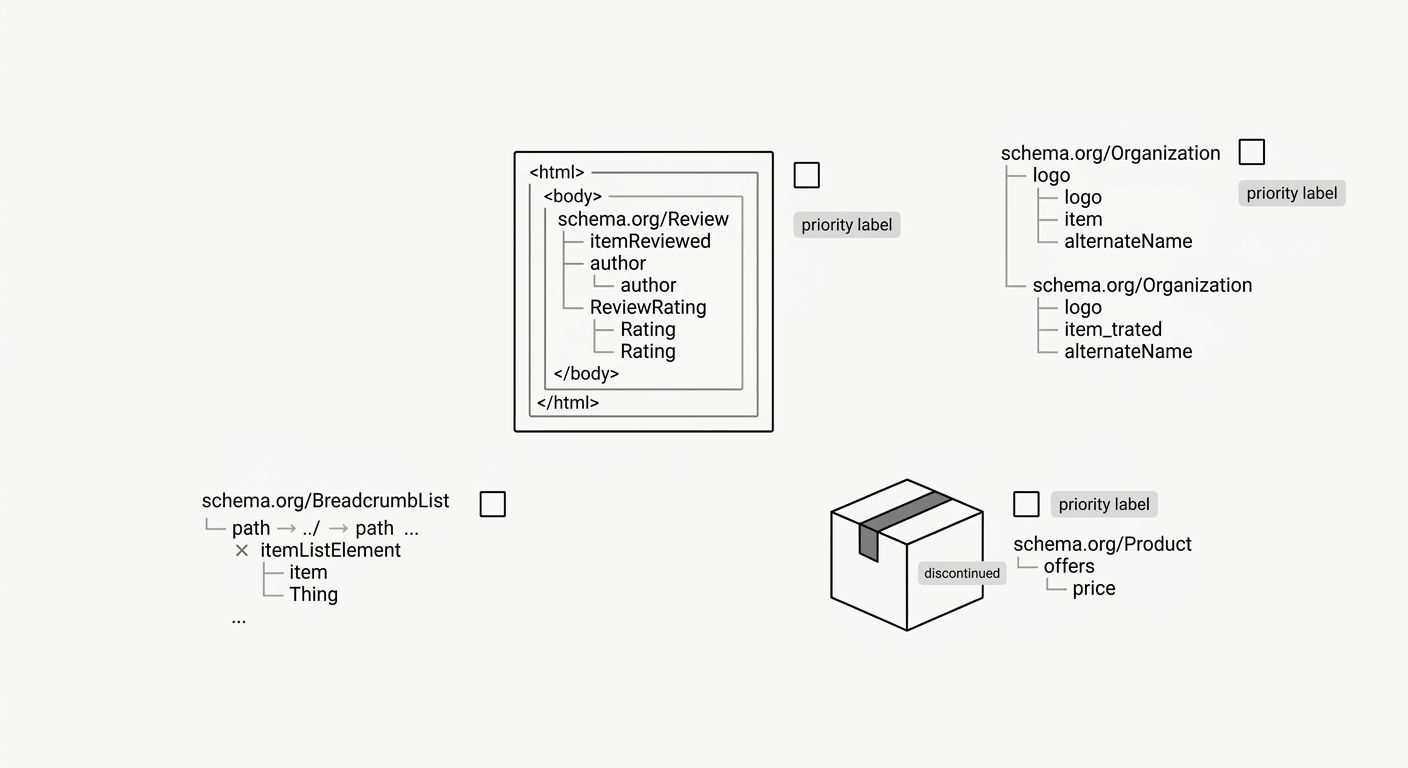
If your page carries a deprecated plugin's review schema from 3 years ago, and you're now adding FAQPage and HowTo blocks, strip the orphaned review markup first. Run your schema and image audit workflow to catch visual and structured data debt simultaneously. Every orphaned block is a potential source of entity duplication or type conflict that costs debugging time later.
This rule has a clear exception: if you're A/B testing schema types or tracking how different markup combinations affect click-through rates, keeping inactive schema temporarily is reasonable. Document what you're testing. Set a removal date no more than 90 days out. The ranking risk is near zero, but the organizational cost of undocumented "mystery schema" compounds over months, especially when multiple people touch the same templates.
Treat FAQPage as an AI-extraction signal, not a Google visibility play
After May 7, 2026, Google no longer renders FAQ rich results in search listings. Search Console dropped FAQPage reporting in June 2026, and the API follows in August 2026. But FAQPage remains a valid schema.org type processed by multiple engines. Bing renders it. Perplexity's crawler extracts it. ChatGPT and Claude reference FAQ-structured content when assembling answers.
This shift changes your prioritization. For pages where you're measuring CTR impact from AI Overviews, FAQ schema now serves a discovery function outside of Google's traditional results. It tells AI systems that specific question-answer pairs are authoritative, site-authored, and structured for direct extraction. Community-driven Q&A content should use QAPage schema instead, which Google recommends for user-submitted questions where answers vary.
HowTo structured data, by contrast, retains full Google rich result eligibility as of June 2026. HowTo markup can produce step carousels, image previews, estimated time displays, and supply/tool lists directly in search results. If you're forced to choose where to invest implementation effort first, HowTo delivers measurable search appearance benefits today while FAQ markup plays the longer AI visibility game. Both are worth implementing on qualifying pages. The priority ordering depends on whether your organic traffic runs primarily through traditional search results or through AI-mediated engines.
When These Rules Collapse
Every rule above assumes a standard setup: a CMS with plugin-generated schema, manual JSON-LD additions, and a per-page validation workflow. Three scenarios break those assumptions.
Single-page applications where JavaScript renders schema dynamically. Google's rendering engine handles JavaScript-generated JSON-LD, but timing matters. If your SPA loads schema after the initial parse window closes, the markup may never get indexed. Pre-render the JSON-LD server-side or inject it into the initial HTML response before client-side hydration.
Pages with more than 6 distinct schema types. At that density, interaction effects between types become difficult to predict. Properties can leak across blocks in some parser implementations. If you're running Product, Offer, AggregateRating, BreadcrumbList, Organization, FAQPage, and HowTo on a single URL (7 types), consider whether the page genuinely needs all of them, or whether splitting content across 2 URLs with cleaner schema would serve both users and crawlers better.
Automated schema deployment across 500+ URLs. The validate-one-then-template approach from rule 5 doesn't scale past a few hundred pages without build pipeline integration. At that volume, you need automated JSON-LD validation in your CI/CD process, pre-deployment linting that catches syntax errors before code ships, and monitoring dashboards that flag new schema errors within 24 hours of deployment. Manual validation becomes a bottleneck, and a single template error can propagate across your entire site before anyone notices.
These exceptions don't invalidate the rules. They mark the boundary where careful manual implementation gives way to engineering infrastructure. The principles stay the same. The execution cost scales with the number of affected URLs, and so does the cost of getting it wrong.
OrganicSEO.org Editorial
Editorial team writing about Ethical, white-hat, organic SEO education.
Related Articles

Entity Consistency Across Your Site: The Often-Missed Technical SEO Foundation
Entity consistency SEO is the practice of naming, describing, and marking up every person, organization, product, or concept identically across every page, schema block, and social profile your brand controls.
The SEO Debugging Checklist: How to Diagnose Visibility Drops Systematically (Not Frantically)
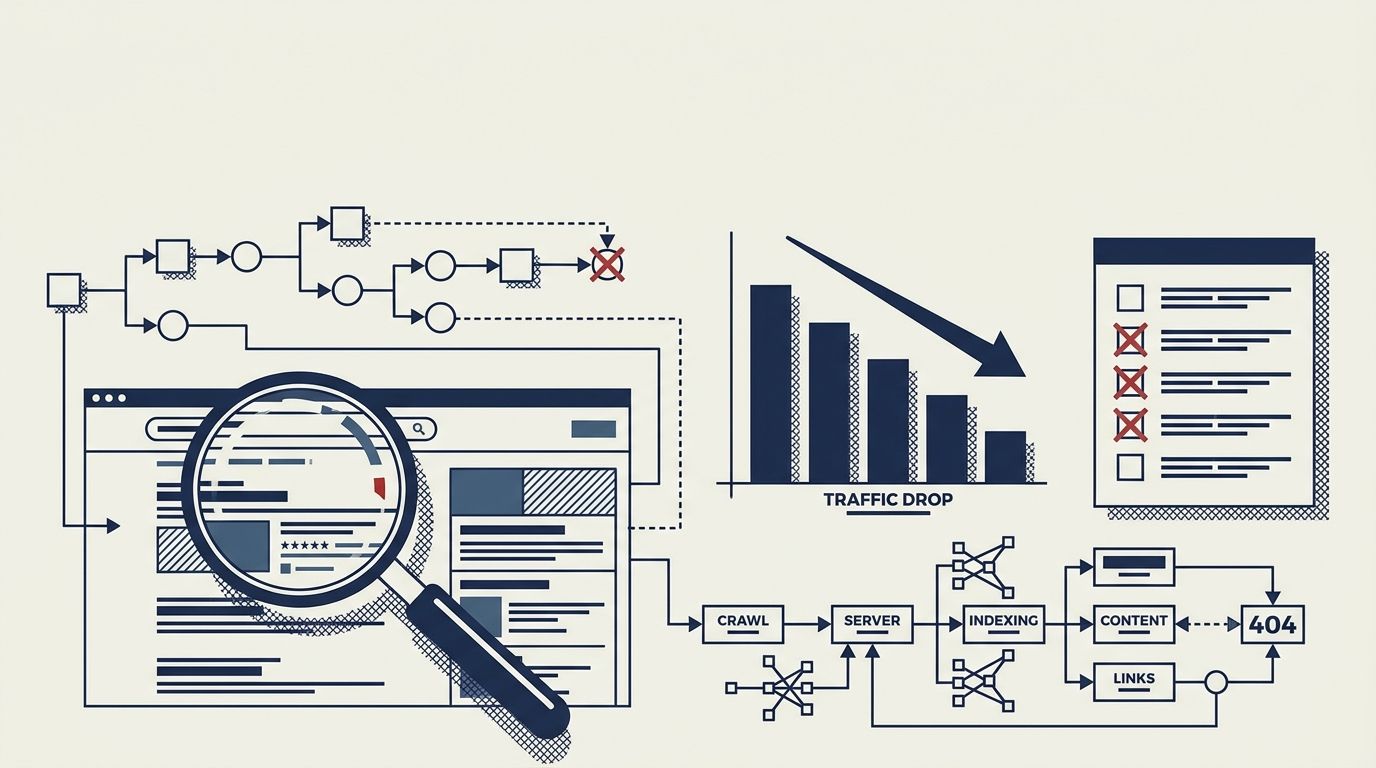
Diagnosing organic traffic drops requires a bottom-up diagnostic sequence through five layers: Crawl, Render, Index, Rank, and Click. Fixing lower layers first prevents wasted hours rewriting content that Google never crawled in the first place.
Site Structure as a Ranking Signal: How Information Architecture Influences Crawlability and Authority Flow
Site architecture is the hierarchical organization of URLs, navigation paths, and internal links that determines which pages search engines discover first, crawl most often, and rank highest. When this structure breaks down, even well-written content sits unindexed and invisible.