How to Build a Search Intent Map for an Entire Site in One Afternoon
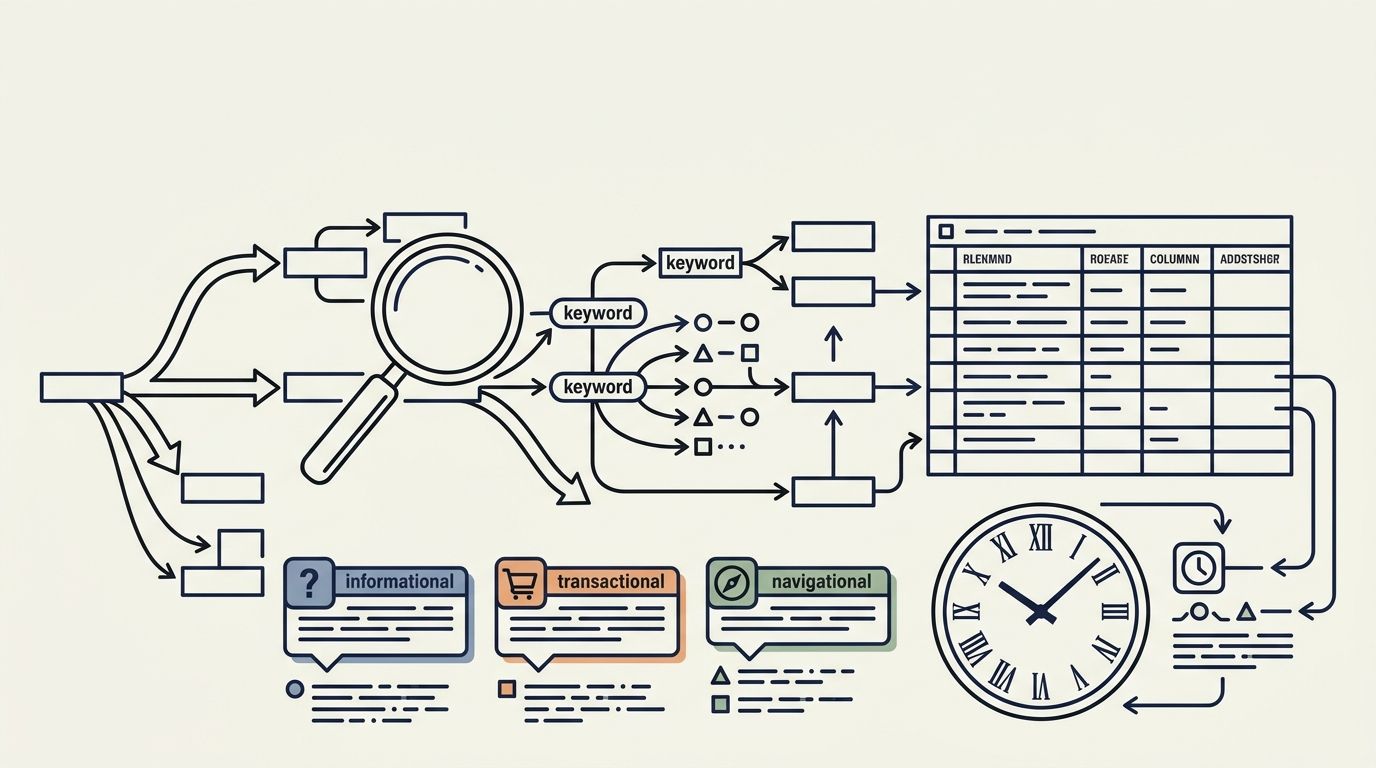
The deliverable is a single spreadsheet with four columns: URL, primary keyword, classified intent, and a match/mismatch flag.
How to Build a Search Intent Map for an Entire Site in One Afternoon
The deliverable is a single spreadsheet with four columns: URL, primary keyword, classified intent, and a match/mismatch flag. Building it for a 200-page site takes roughly 3–4 hours if you follow a structured content audit process and resist the urge to rewrite pages while you're still auditing them.
Six rules govern this process. Each one is a discrete step you finish before moving on. The order matters because later steps depend on outputs from earlier ones. Skip a rule and you'll end up with a spreadsheet that looks complete but sends you chasing the wrong fixes.
Export everything before you classify anything
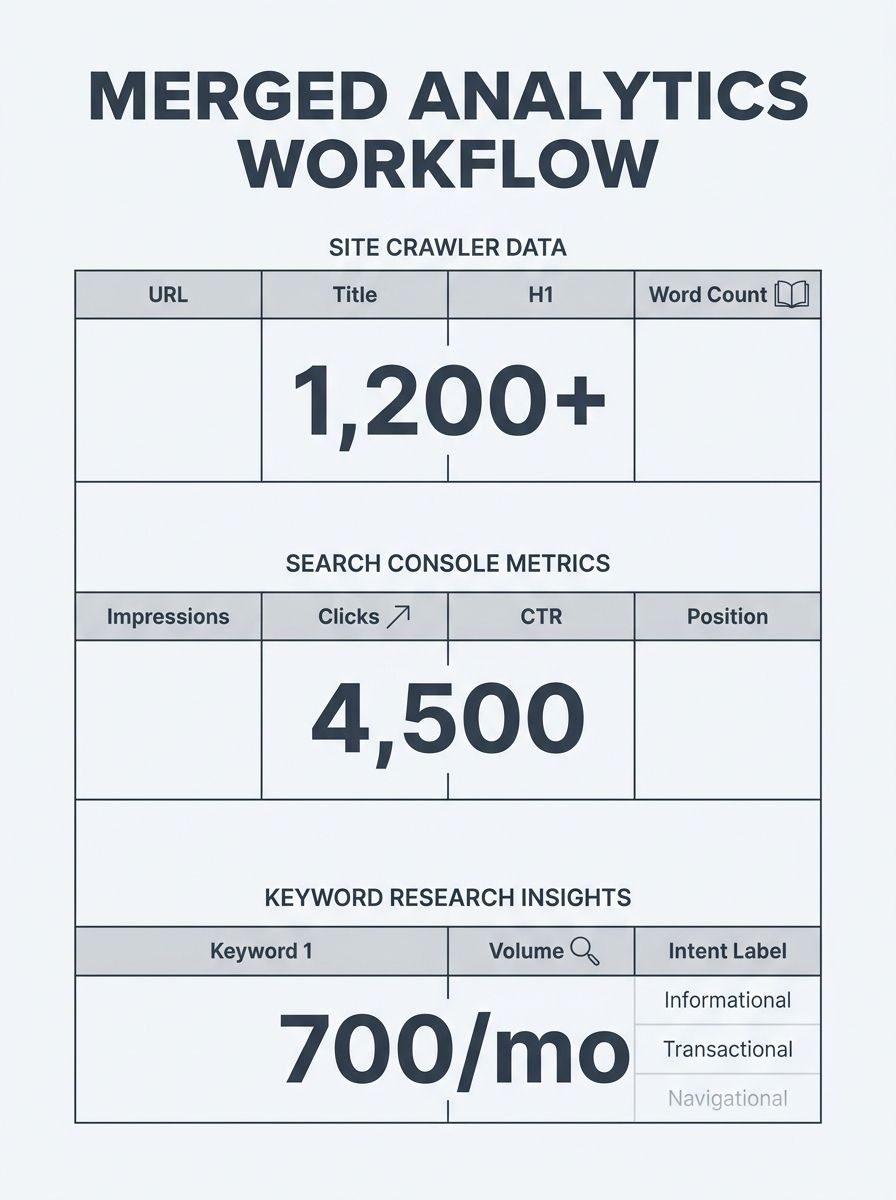
The single biggest time sink in search intent mapping is switching between tools mid-classification. Before you label a single URL, pull three exports and merge them into one sheet.
First, download your full URL list from a crawler. If you've already compared Screaming Frog and Sitebulb for your workflow, use whichever you have licensed. You need every indexable URL, its title tag, H1, word count, and HTTP status. For a 200-page site, this crawl takes under 10 minutes.
Second, export Google Search Console's Performance data for the last 90 days. Filter to pages, and pull URL, total impressions, total clicks, average CTR, and average position. The 90-day window gives you enough volume to spot patterns without drowning in seasonal noise.
Third, export your keyword-to-URL mapping from whichever keyword tool you're running. You want the top 3 ranking keywords per URL, along with each keyword's monthly search volume and the tool's intent classification if it offers one.
Merge all three exports on the URL column. Your working sheet now has roughly 12–15 columns per row. Every classification decision you'll make in the next 2 hours comes from this single file.
Sort by SERP features, not keyword modifiers alone
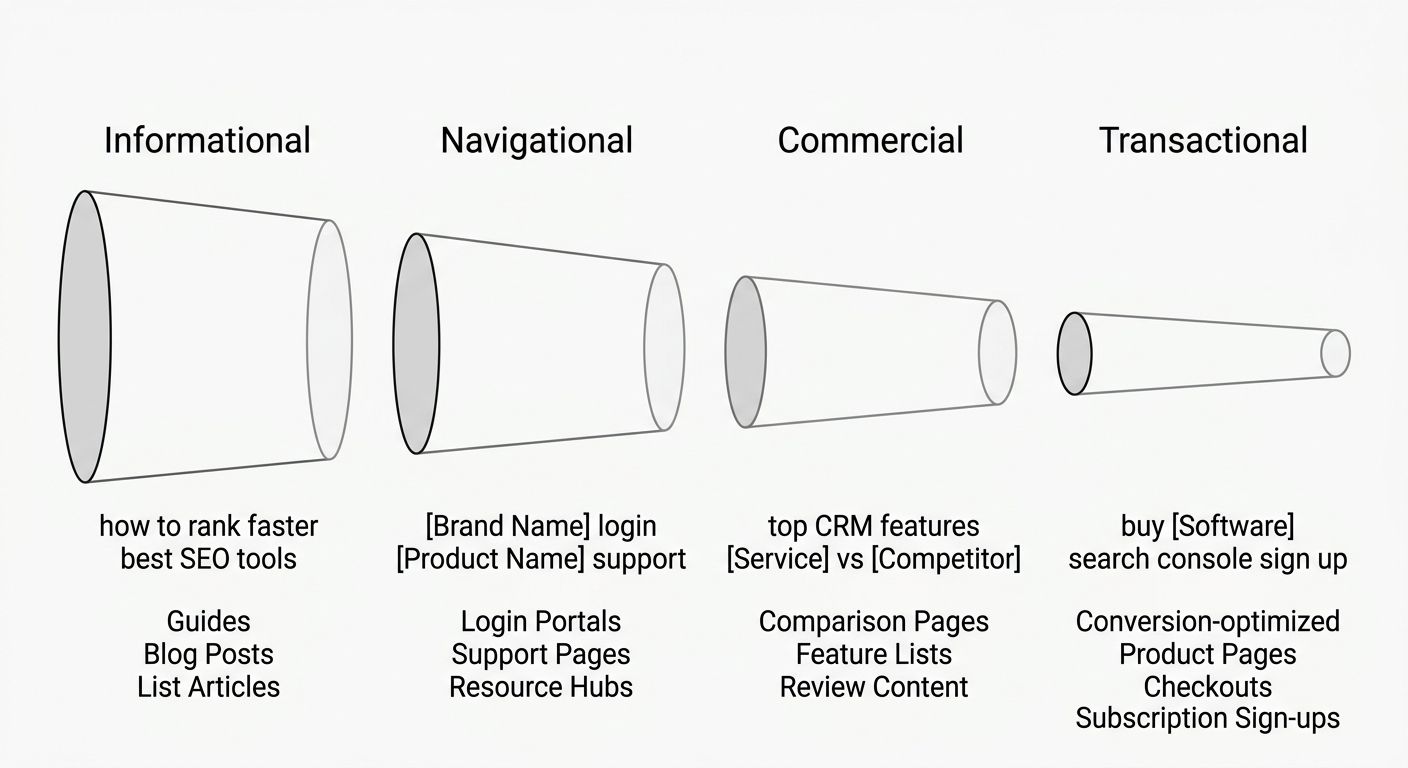
Keyword modifiers like "how to," "buy," or "best" are useful starting signals, but they're wrong often enough to cost you hours of rework. The Semrush keyword taxonomy divides queries into 4 types: informational (searchers want knowledge), navigational (searchers want a specific site), commercial (searchers want to compare options), and transactional (searchers want to complete an action). These labels are a starting point, not a final answer.
The actual arbiter of intent is Google's own SERP. When featured snippets and People Also Ask boxes dominate page 1, Google has decided the query is informational, regardless of whether the keyword contains "buy" or "price." When product carousels and shopping ads fill the top fold, the intent is transactional. As SEO Clarity's user intent analysis guide notes, "the right-side column shows the user intent of each keyword. Some are informational, some are local or navigational, and some are a combination of the three. Knowing the user intent behind the keywords allows SEOs to map them to the right format of content."
For a 200-page site, you don't need to manually check all 200 SERPs. Spot-check the top 20 pages by traffic and the top 20 pages by impressions-but-low-clicks. That gives you roughly 30–35 unique URLs (there's usually overlap). Spend 60–90 seconds per SERP: note the dominant result type (articles, product pages, videos, local packs) and write it in a new column called "SERP Signal."
Use four intent buckets, not two
The distinction between informational vs transactional intent is where most people start and stop. That binary split leaves 30–40% of your URLs in a gray zone. As WeAreTG's keyword analysis explains, "transactional keywords are directly linked to revenue generation, which is why they need to play a central role in your SEO strategy." True enough, but skipping the middle of the funnel means you're missing the queries where searchers are deciding between you and a competitor.
Use all four buckets for your URL intent classification:
Intent Type | Typical Modifiers | Best Page Format | Content Signals |
|---|---|---|---|
Informational | how to, what is, guide, tutorial | Blog post, explainer, video | 1,200+ words, no hard CTA above fold |
Navigational | brand name, login, support | Homepage, login page, help center | Branded terms, direct-navigation queries |
Commercial | best, vs, review, comparison, top 10 | Comparison guide, review, listicle | Multiple products/services discussed |
Transactional | buy, pricing, discount, sign up, near me | Product page, pricing page, service page | Clear CTA, pricing visible, short form |
Assign each URL exactly one primary intent. If a page seems to serve two intents equally, that's a structural problem you'll address later. For now, pick the dominant one based on the SERP Signal column you filled in during the previous step.
Flag every mismatch before fixing anything
This is where the real value of search intent mapping shows up. A mismatch means the intent your page currently serves differs from the intent Google rewards for that page's primary keyword. SEO Inc's content audit guidance is direct: "review your top 20 pages and honestly assess whether they match the user intent for their target keywords. Use the SERP analysis method to identify mismatches and opportunities for improvement."
Add a column called "Match" and mark each URL as one of three values: Match, Partial, or Mismatch. A 200-page site typically shows 15–25% full mismatches and another 20–30% partial mismatches. The most common pattern: a blog post ranking (poorly) for a commercial or transactional keyword, or a product page trying to rank for an informational query it can't adequately answer.
According to case study data compiled across intent-mapping implementations, a SaaS company that remapped 200 blog posts from product-focused content to pure informational intent saw a 340% increase in organic traffic and 28% more qualified demo requests. A financial services firm that executed keyword-to-page alignment across all 4 intent categories reported a 280% organic traffic lift and a 52% increase in qualified applications.
Don't fix anything yet. Your goal for this step is a clean list of mismatches, sorted by traffic potential (impressions × estimated CTR improvement). That sorted list becomes your content production queue for the next quarter.
Wire informational pages to transactional pages with internal links
A finished intent map reveals your site's funnel structure — or the lack of one. Every informational page should link to at least one commercial or transactional page on the same topic. Every commercial comparison page should link to the specific product or service pages it's comparing. This isn't decorative; it's how internal link architecture drives authority flow and moves users down the funnel.
As NEURONwriter's intent mapping guide describes it, search intent mapping is about understanding "the actual goal behind someone entering a query on Google, visiting your site, or clicking a newsletter." The internal linking layer translates that understanding into measurable site structure.
In your spreadsheet, add a column called "Links To" and record the target URL(s) each informational page should point toward. For a 200-page site, this takes about 30–40 minutes. You're looking for 1–3 natural link targets per informational URL, placed within the body content rather than buried in a sidebar.
An e-commerce retailer that created commercial investigation content for previously unserved keywords and linked those pages to transactional product pages improved rankings from page 3 to top 5 positions and saw conversion rates increase by 45%.

Set a 90-day review cycle, not a one-time audit
Intent shifts. A keyword that Google treated as informational 6 months ago can flip to commercial after enough product pages start ranking for it. The SERP Signal column you built today has a shelf life of roughly 90 days before the distribution of featured snippets, shopping results, and People Also Ask boxes changes enough to invalidate some of your classifications.
Put a recurring quarterly task on your calendar. Re-export your GSC data, re-check the top 30 SERPs, and update your Match/Mismatch column. This refresh cycle pairs naturally with keyword re-auditing and takes about 90 minutes once the initial map exists — you're updating an existing framework, not building from scratch.
Track 3 metrics across each cycle: the number of full mismatches remaining, the average CTR of previously-mismatched pages after fixes, and the total organic clicks from pages you reclassified. These numbers tell you whether your intent map is producing results or just producing a spreadsheet.
When These Rules Break Down
These 6 rules assume you have a site with distinct pages serving distinct topics. They start to strain in three specific situations.
Sites under 30 pages. If you're running a small service site, you might have 8–12 indexable URLs. A formal spreadsheet-based process is overkill. Open each page in one browser tab, search its primary keyword in another, and compare the SERP directly. The whole exercise takes 45 minutes, not an afternoon.
Sites over 2,000 pages. At scale, manual SERP spot-checking for the top 40 URLs doesn't cover enough ground. You'll need to rely more heavily on your keyword tool's automated intent labels as a first pass, then manually verify only the URLs where your tool's label conflicts with the page format. Expect the initial map to take 2–3 afternoons, not one.
YMYL and regulated content. Finance, health, and legal sites often see Google reward informational content even for queries with transactional modifiers ("buy life insurance" returns 6 informational guides on page 1 in many markets). Your 4-bucket model still works, but the SERP feature check in rule 2 matters more than the keyword modifier signal. Trust the SERP over the modifier every single time.
The intent map itself is simple — 4 columns, 4 labels, a match flag, and a link target. The discipline is in building it from observed SERP behavior rather than assumptions, and in revisiting it before the data goes stale. A map you built once and never updated is a snapshot of how Google thought about your queries on one particular afternoon. A map you maintain quarterly is a working model of how your site fits into the search landscape as it actually exists.
OrganicSEO.org Editorial
Editorial team writing about Ethical, white-hat, organic SEO education.
Related Articles
Keyword Intent Mismatch: How to Spot When Your Rankings Hide Poor Traffic Quality
Pages ranking on page one for target keywords convert at roughly 3% on average, but pages with strong keyword intent alignment push past 5%, per Grow and Convert's conversion data. The gap between those numbers is where intent mismatch hides, and three detection methods exist to find it.

Search Intent Signals Hidden in Your Competitor's Content Gap: A Reverse-Engineering Method
Competitor content gaps carry intent signals embedded in SERP formats, title tag patterns, and H2 structures of pages that already rank. Extracting those signals through systematic SERP reverse engineering produces a prioritized content opportunity map, not a generic list of missing keywords.
Keyword Research for Information Architecture: How to Map Search Intent to Site Structure Before Launch
Three methods dominate pre-launch keyword strategy for information architecture: SERP-driven intent mapping, topic cluster modeling, and user-task taxonomy. Each one produces a different site hierarchy, and 96.